
Elementary students learn about text features to help them read and understand informational text. The ability to navigate and comprehend informational texts is a skill that can be enhanced by understanding text features and how they organize content to guide readers through the text.
While traditional instruction on text features includes direct explanations and demonstrations, this blog post presents a collection of strategies that have proven effective in teaching elementary students about text features. These methods range from interactive activities like scavenger hunts and games to project-based learning tasks where students create their own projects with text features.

What are Text Features?
Text Features refer to a text’s physical and visual elements designed to help readers locate, understand, and organize information more efficiently.
Common Text Features
Here is a list of standard text features taught in second and third grade.
| Text Feature | Definition |
| Titles and Subtitles | Indicate the main topic or sections within a text. |
| Headings and Subheadings | Organize the text into manageable sections, each focusing on a specific idea. |
| Tables of Contents | Provide an overview of the text’s structure and the location of chapters or sections. |
| Indexes | List keywords or topics and page numbers where they are discussed. |
| Glossaries | Define specialized or difficult terms found in the text. |
| Bullet Points and Numbered Lists | Organize information in an easy-to-read format. |
| Text Boxes and Sidebars | Highlight important information or provide additional details related to the main text. |
| Photographs, Illustrations, and Diagrams | Visual elements complement the text, providing clarification or additional context. |
| Captions and Labels | Explain the significance of the accompanying photographs or illustrations. |
| Graphs and Charts | Visual representations of data or relationships among ideas. |
| Bold or Italicized Text | Emphasize certain words or phrases. |
Are Text Features the Same as Text Structures?
Text features and text structures are not the same.
Text features are the visual or physical elements within a text that aid in navigating and understanding the material more effectively. These include headings, bullet points, indexes, glossaries, and graphic organizers highlighting or organizing information.
On the other hand, text structures refer to the underlying organization or pattern of the information within a text. They explain how ideas are presented and connected. Common text structures include cause and effect, compare and contrast, sequence or chronological order, problem and solution, and description.
While text features are tools for locating and interpreting information, text structures provide a framework for understanding the organization and flow of ideas, making both essential for deep reading comprehension.
Why are Text Features Important?
Understanding text features significantly enhances a reader’s ability to navigate, comprehend, and engage with various texts, mainly informational and non-fiction.
Here are key reasons why text features are taught in elementary classrooms:
- Navigation and Efficiency: Text features such as tables of contents, indexes, headings, and subheadings help readers quickly locate information within a text. This is especially useful for research and study purposes, where efficiency in finding relevant data is key.
- Enhanced Comprehension: By directing attention to important information and organizing content logically, text features like captions, labels, and highlighted vocabulary aid in understanding complex ideas and terminology. They provide context and clarity, making the material more accessible.
- Engagement and Interest: Features such as photographs, diagrams, charts, and sidebars can make texts more appealing and engaging for readers. They offer visual breaks from dense text and can illustrate concepts in a way that words alone might not, increasing a reader’s interest and willingness to engage with the material.
- Critical Thinking and Analysis: Understanding text features enables readers to analyze and evaluate the text structure and purpose critically. For instance, knowing why an author uses a particular graph or sidebar can provide insights into the author’s intent and the text’s overall message.
- Academic Success: Mastery of text features is often linked to academic success. It prepares students for the diverse reading requirements across different subjects, as various disciplines utilize unique text features to present information.
- Research Skills: Effective use of text features is crucial for developing strong research skills. Quickly identifying, evaluating, and synthesizing information from different sources is fundamental to conducting research across many academic and professional fields.
- Real-world Applications: Text features are not limited to academic texts; they’re prevalent in everyday documents and media, such as newspapers, manuals, reports, and websites. Understanding these features is essential for navigating our information-rich world, enabling individuals to make informed decisions and understand complex issues.
Understanding text features is important for readers of all ages and backgrounds. It encourages them to interact more effectively with texts, enhances their comprehension and retention of information, and equips them with skills necessary for academic achievement and informed citizenship.
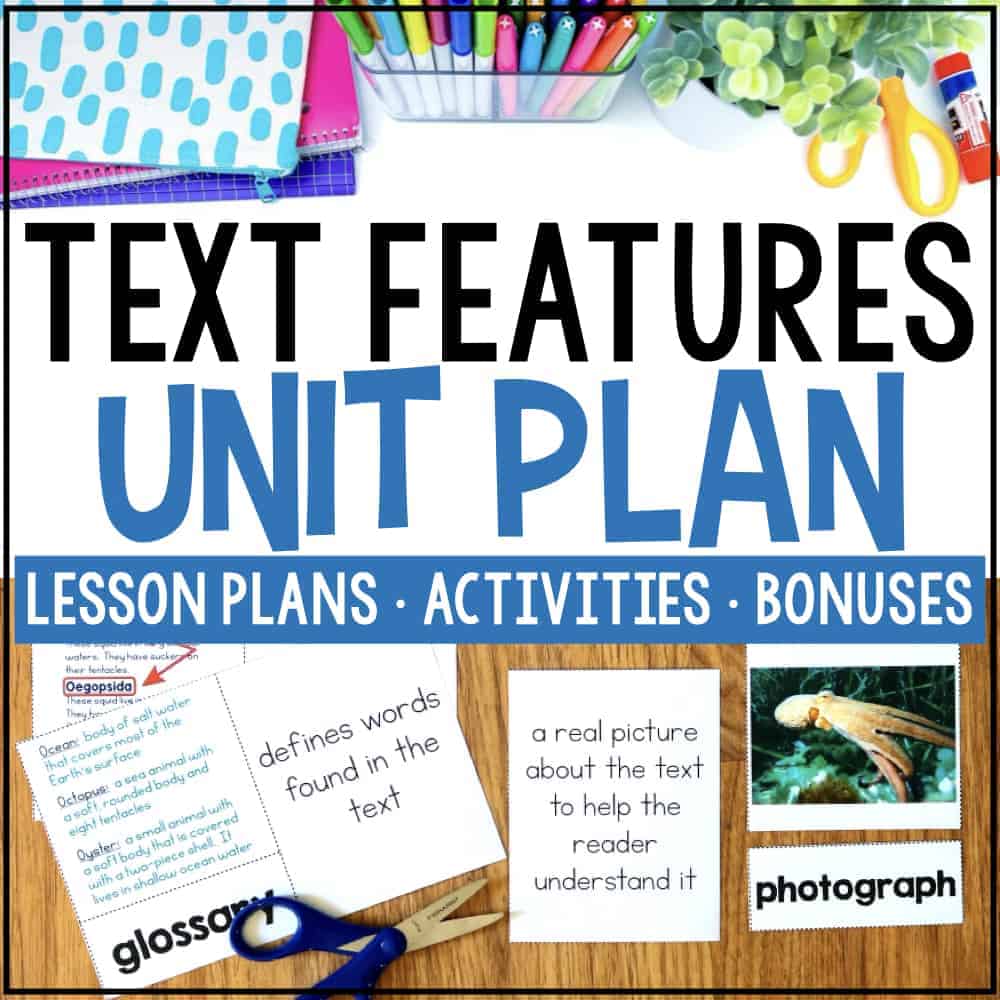
Text Features Unit Plan includes Worksheets, Activities, Scavenger Hunt
Through five-day interactive lessons, students engage with vocabulary cards, posters, scavenger hunts, and creative exercises to identify and apply text features in their writing.
Teachers can Organize Text Features by Their Purpose
When teaching students about text features, it might be helpful to categorize them by their purpose. This helps students to understand why they should use a particular text feature and anchors the new learning.
Text features help readers understand words and vocabulary, expand the meaning of the text, locate key ideas, and represent information.

Here are a few text features organized by their purpose:
Understand Words, Phrases, and Vocabulary
- Bold Print – Identify important information
- Colored Print – Identify important information
- Glossary – Define words
- Italics – Identify important information
- Pronunciation Guide – Say the words
Expand the Meaning of the Text
- Appendix – Understand ideas in more depth
- Overlays – Understand additional information with other information
- Preface – Set a purpose for reading; have an overview of the text
- Sidebars/Textbox – Gather additional or explanatory information
Locate Information
- Table of Contents Locate topics in the book and the order they are presented
- Index – Locate essential ideas in the text with an alphabetical list with page numbers
- Titles – Understand what the text is about
- Headings – Identify topics within the text
- Subheadings – Identify subtopics within a larger topic
- Bullets – Identify key ideas
- Captions – Understand an illustration
- Labels Identify an illustration and/or its parts
Show More Information
- Photographs – Understand exactly what something looks like
- Drawings – Understand what something could or might have looked like or see a simpler version of something more complex
- Graphs/Charts/Diagrams – Understand information with other information
- Maps- Understand geographical, political, or historical features
- Timelines – Understand the chronological order of events
Strategies for Teaching Text Features to Elementary Students
Teaching text features to students can be engaging and fun with the right activities and approaches. The goal is to make them aware of different features and how they help in understanding informational content.
Here are some ideas that elementary teachers can use to teach these lessons
Scavenger Hunt
Create a scavenger hunt using a variety of informational texts (books, articles, brochures). Make a checklist of text features (e.g., table of contents, headings, captions) for students to find.
This hands-on activity is engaging and helps students become familiar with the purpose of each feature.
Matching Game
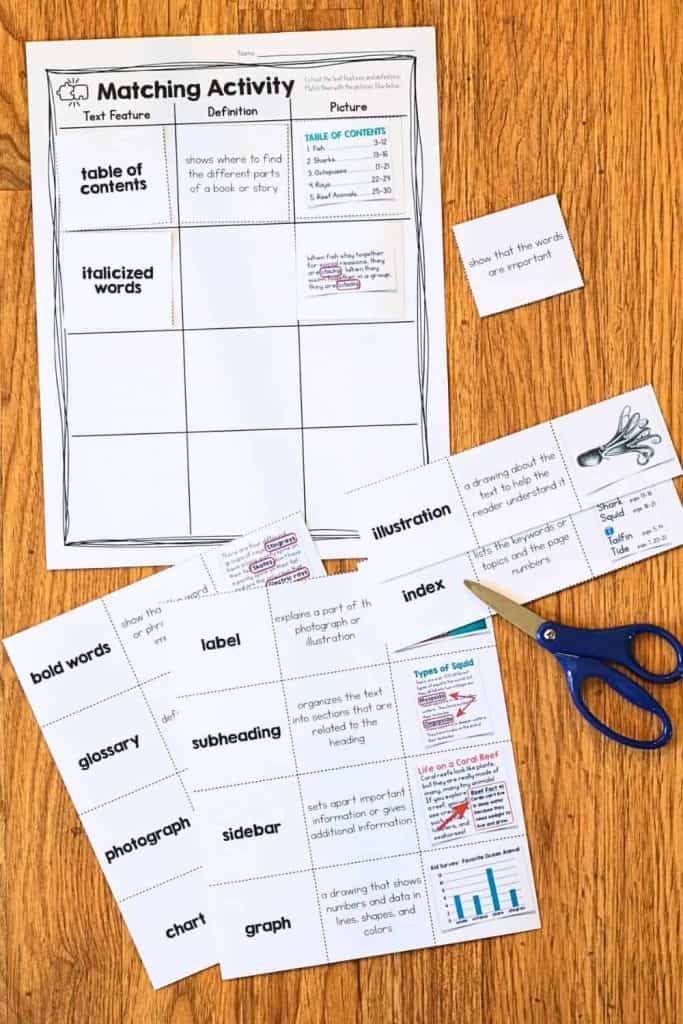
Prepare cards with text feature names on some and their definitions or examples on others. Students work in pairs or groups to match each text feature with its correct definition or example, reinforcing their understanding of each feature’s function.
The below image is from our Text Feature Unit. The sort includes the title, definition, and picture. Students can sort all three components, or you can only provide them with the title and picture. Once they have sorted the titles and images, give students the definitions. This helps students anchor their knowledge on a visual component before working with the definitions.
Create a Classroom Anchor Chart
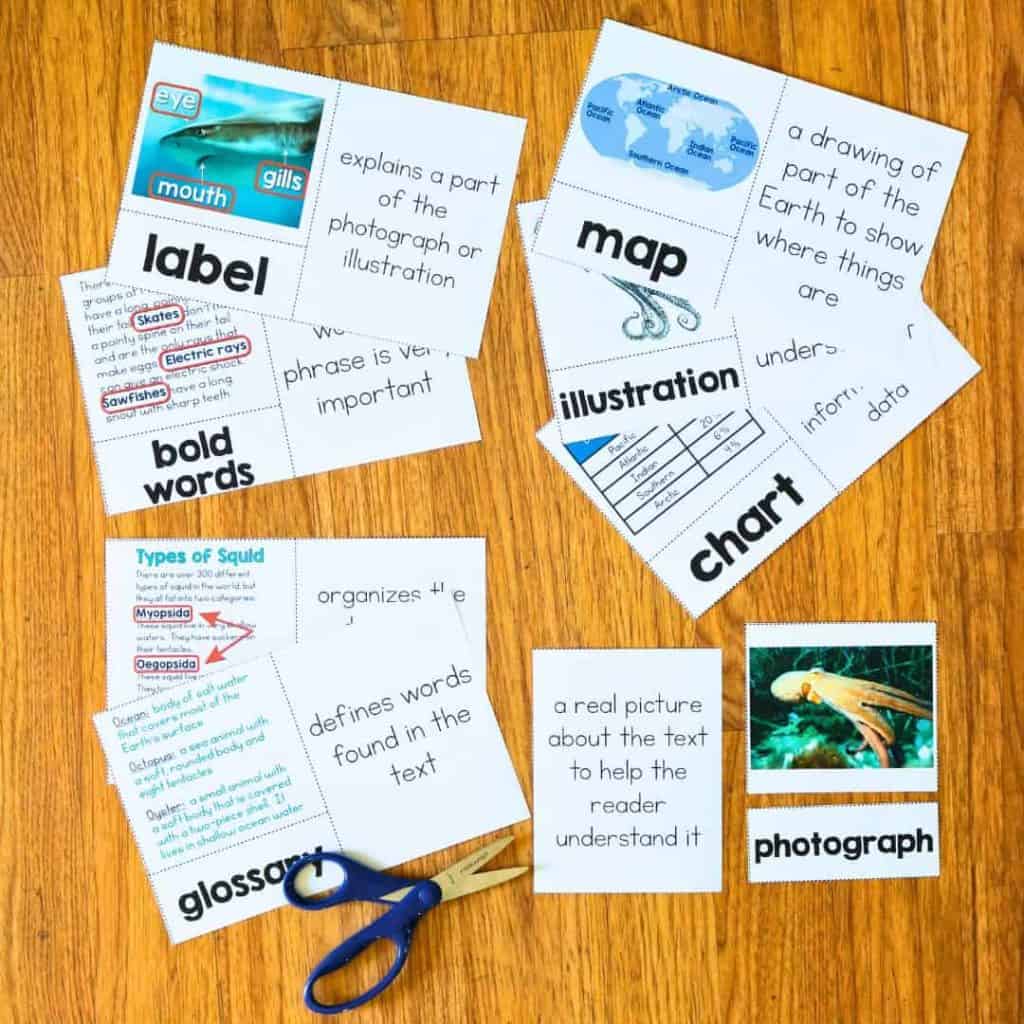
As a class, work together to create a large anchor chart that illustrates different text features (including pictures and definitions). This chart will be a visual reminder and reference for students as they encounter various texts.
Our vocabulary cards and posters are a great tool for creating anchor charts or pocket charts as references for students to use during their scavenger hunts.
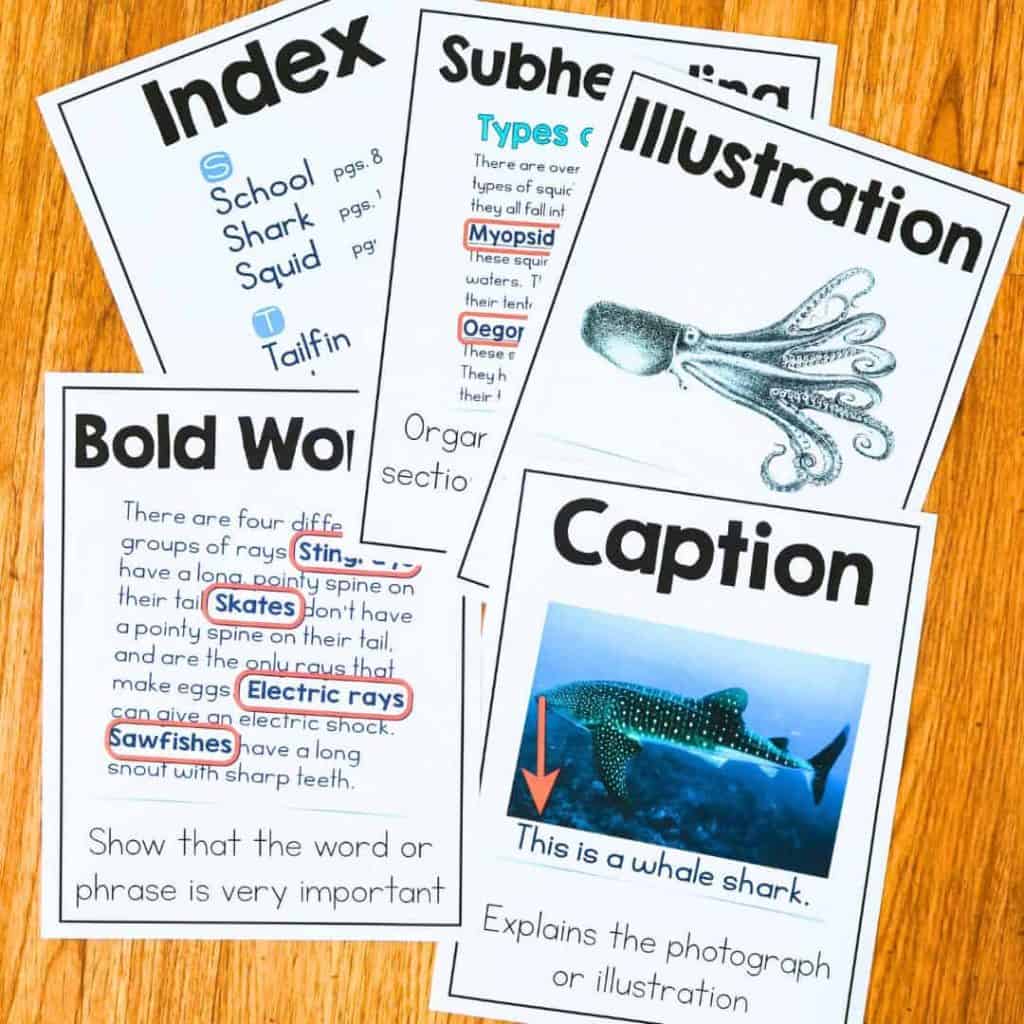
I would also encourage you to use your phone and take photos of books and texts in your classroom. The more familiar students are with the anchor chart’s examples, the better they are able to learn the new vocabulary. This leads us to the next recommendation.
Use Real-World Examples
Use real-world texts like newspapers, magazines, brochures, or manuals. Discuss how the text features present help understand and navigate the information. This shows the practical application of text features in everyday life.
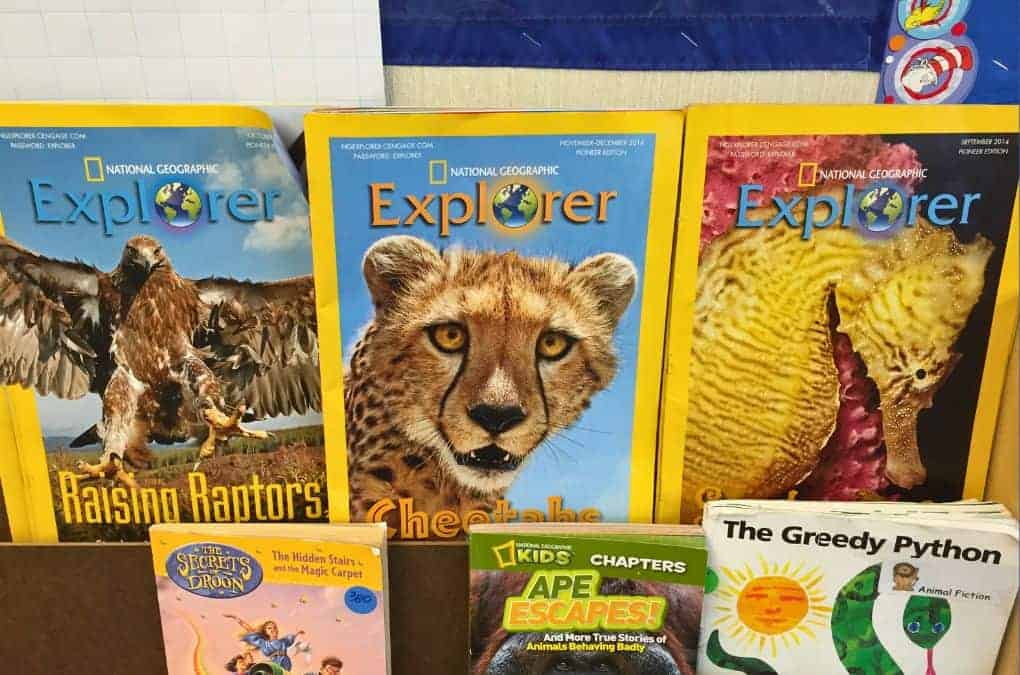
Interactive Notebooks
Have students create sections dedicated to different text features in their notebooks. They can glue examples cut out from photocopied texts or magazines and write explanations of how each feature aids comprehension.
Text Feature Creation
After students are familiar with different text features, assign them to create an informational report on a topic of interest, like a biography or an animal report. Have them include various text features. This allows them to apply their knowledge creatively.
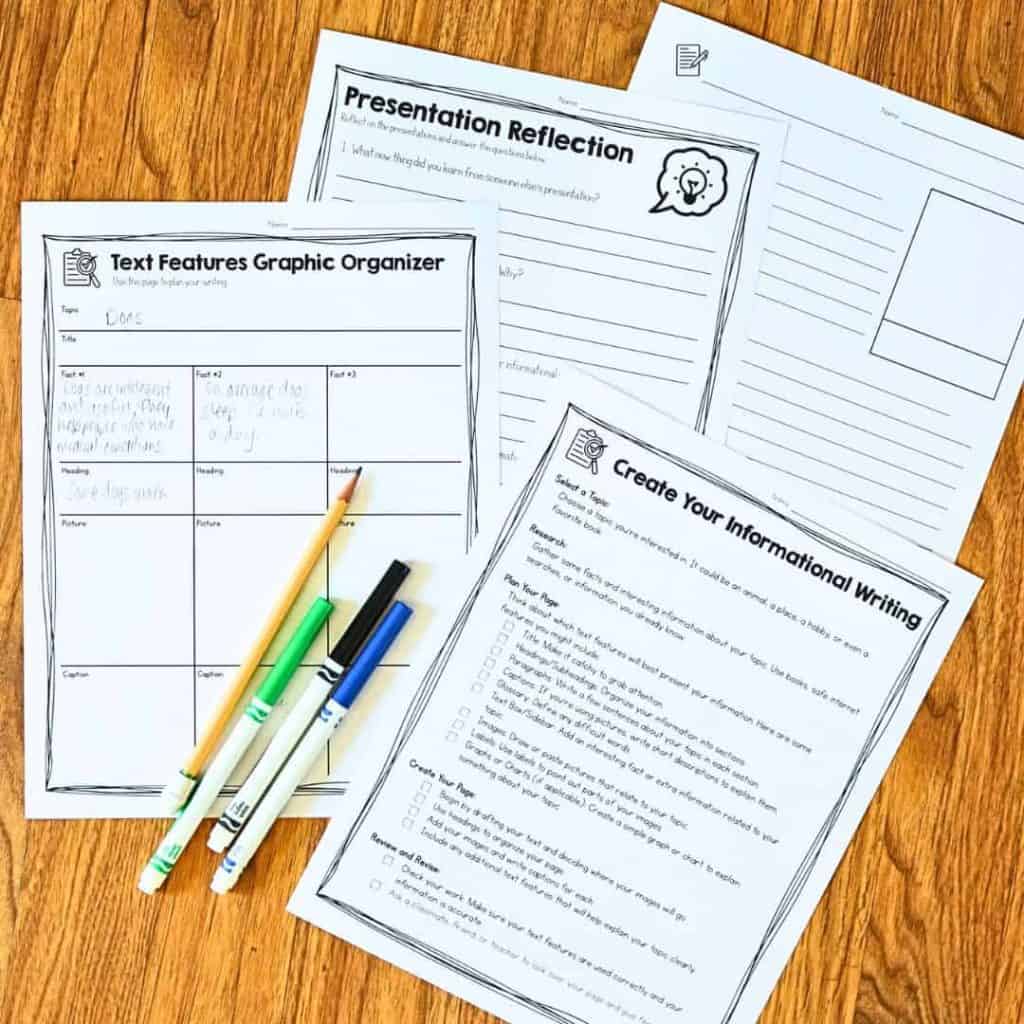
Digital Exploration
Use educational websites or digital books highlighting text features. Many digital platforms have interactive elements that allow students to click on different text features to learn more about them.
If students have iPads and can take photos of examples of text features, use those images in a digital sorting or matching activity that mimics the hands-on matching and sorting you do in the classroom.
Guess the Feature
Display only one text feature at a time (e.g., a caption without the photo, a heading without the article) and have students guess the text feature and discuss its purpose. This can be a quick warm-up activity.
Feature Find Reports
Assign students to find examples of text features in their reading at home or in class and report to the group about how they helped them understand the text. This will encourage them to look for text features in all reading materials. Connect this activity to math by keeping a tally of features found and graphing the results.
Text Feature Bingo
Create bingo cards with different text features in each square. As you read aloud from an informational text or show text features on the projector, students mark off features on their cards. This is a fun way to review text features interactively.
Use Sentence Frames to Develop Academic Langauge
If students have difficulty expressing why a specific text feature is important or how it helps the reader understand the text, consider giving students some language support, like sentence frames. Here is an example of one of the sentence frame activities in our Unit Plan.
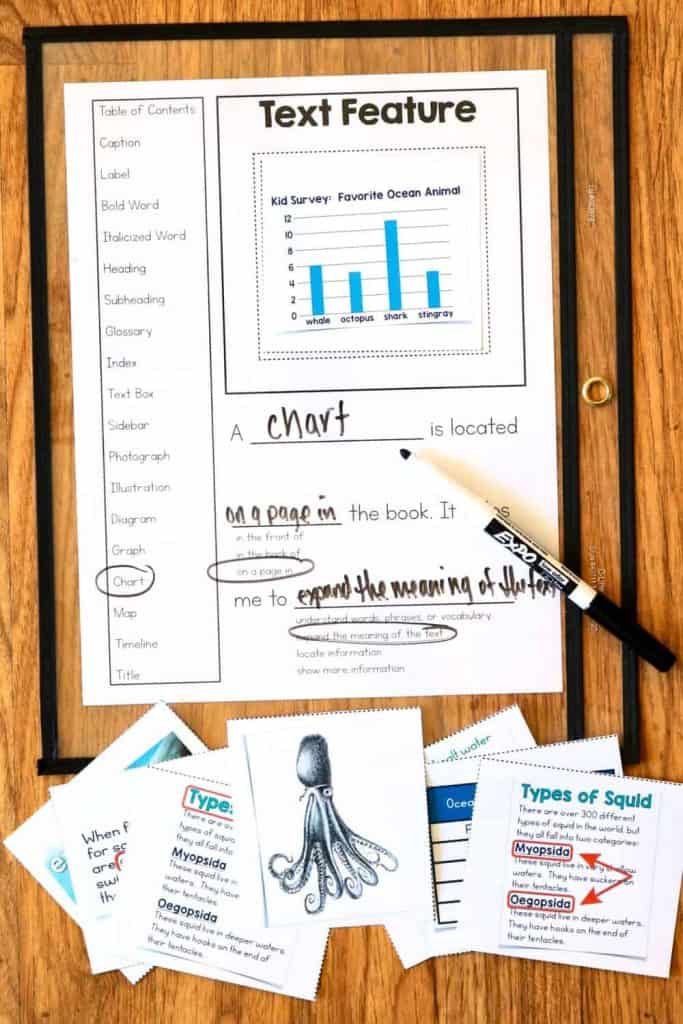
Incorporating these activities into your teaching plan can make learning about text features an engaging and interactive experience for third graders, meaningfully fostering their reading comprehension skills.
Text Features Unit Plan
We have an entire text feature unit plan to help you teach text features in your classroom. It includes most of the text features and activities in this blog post. In addition to the activities above, it includes reading passages where students can identify and write in their own text features.
It also includes a lesson on developing academic language using sentence frames. This is a great way to scaffold learning for students who need extra support.
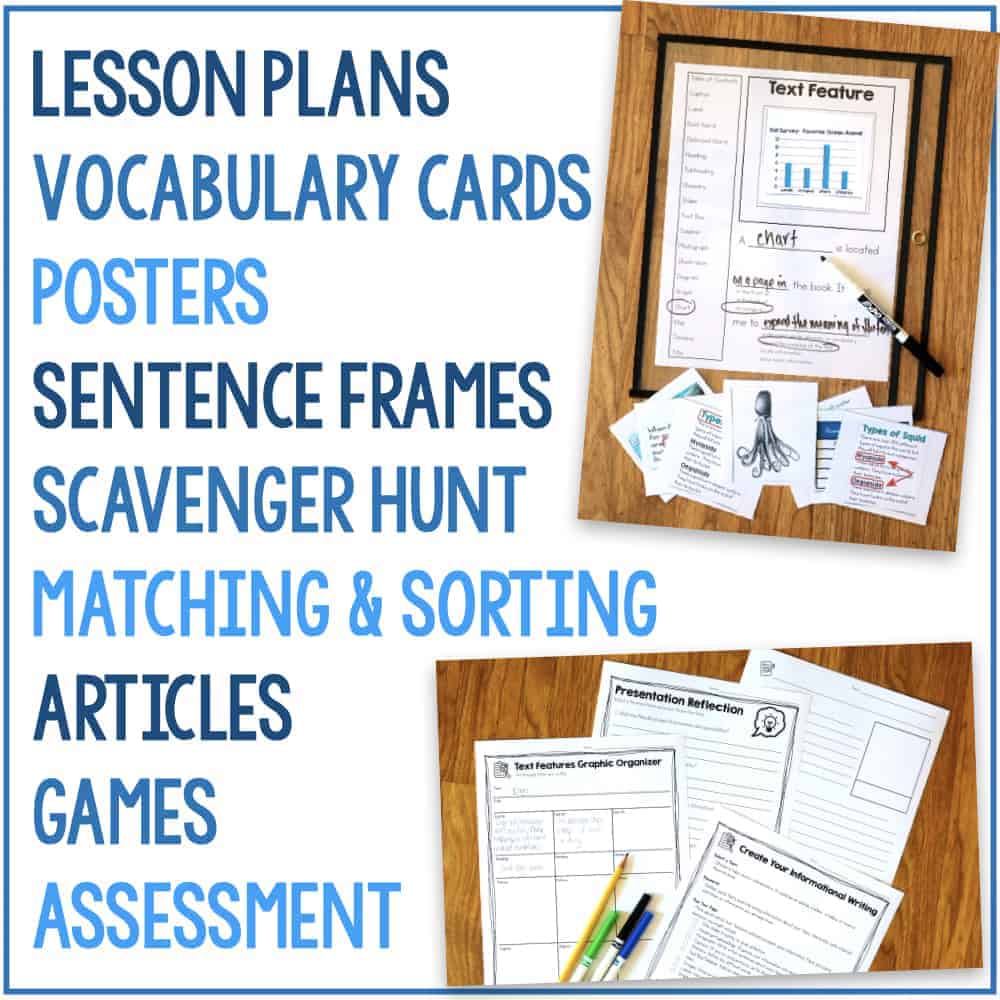
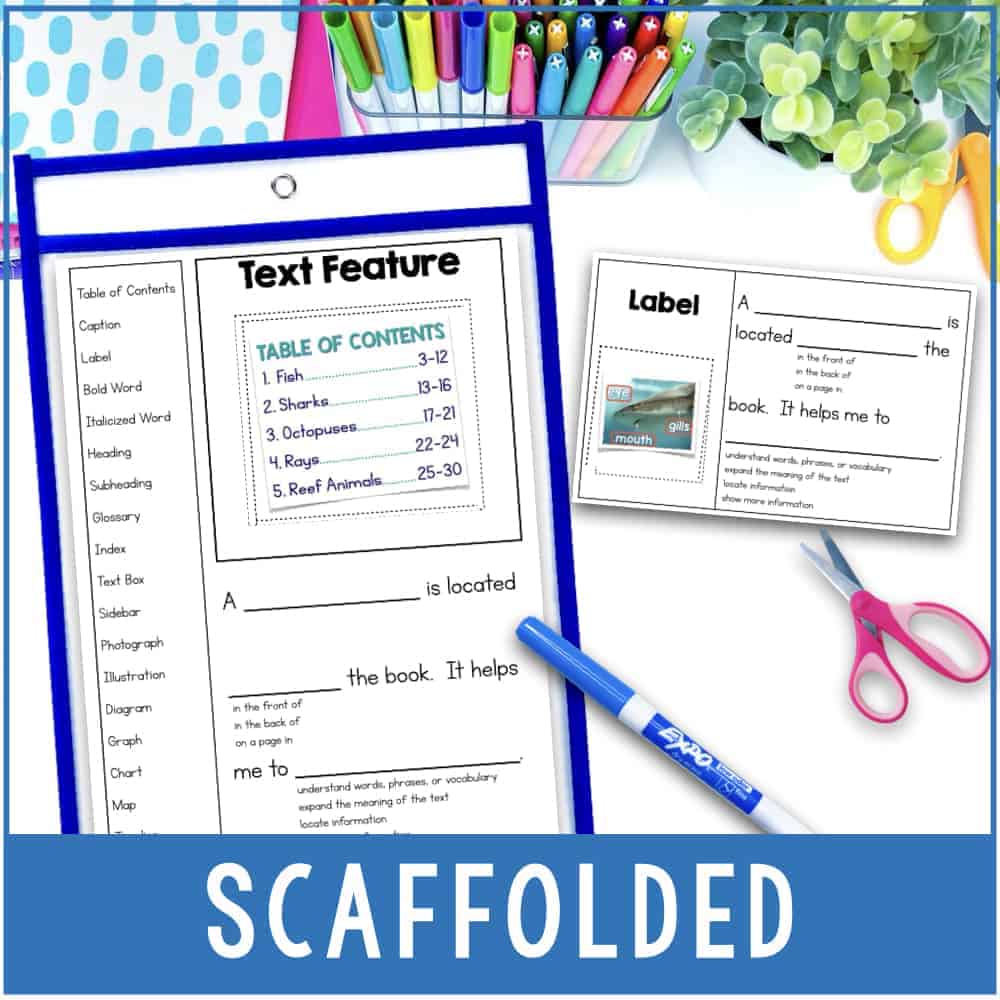
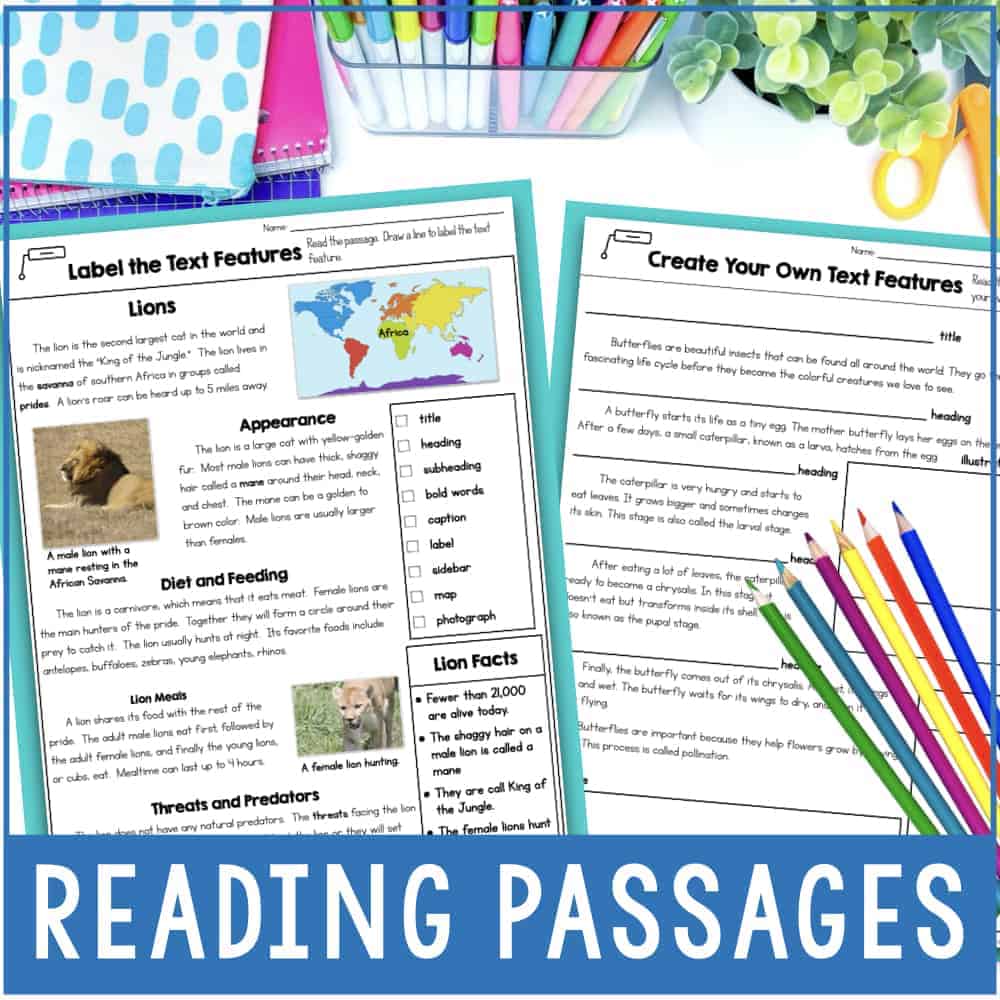
Text Features Unit Plan includes Worksheets, Activities, Scavenger Hunt
Through five-day interactive lessons, students engage with vocabulary cards, posters, scavenger hunts, and creative exercises to identify and apply text features in their writing.
Videos about Text Features
Videos provide another way for students to be exposed to the new concepts and vocabulary of text features.
This Jack Hartman video is cheesy, but kids will remember it.
This one is more informative and gives explanations and examples of the text features.
Text features influence readers’ abilities to navigate and understand informational texts effectively. Teachers can teach students about the significance of text features by incorporating activities like scavenger hunts, matching games, and creative projects.
Jessica BOschen
Jessica is a teacher, homeschool parent, and entrepreneur. She shares her passion for teaching and education on What I Have Learned. Jessica has 16 years of experience teaching elementary school and currently homeschools her two middle and high school boys. She enjoys scaffolding learning for students, focusing on helping our most challenging learners achieve success in all academic areas.