
Creative Ways to Use QR Codes in the Elementary Classroom
If you’re picturing QR codes as one more tech thing to manage, stick with me for a minute. In classrooms, QR codes are less about flashy gadgets and more about solving everyday problems, students asking where to click, losing links, or waiting on you to repeat directions yet again. With a quick scan, kids can get where they need to go on their own, and you get a little breathing room.
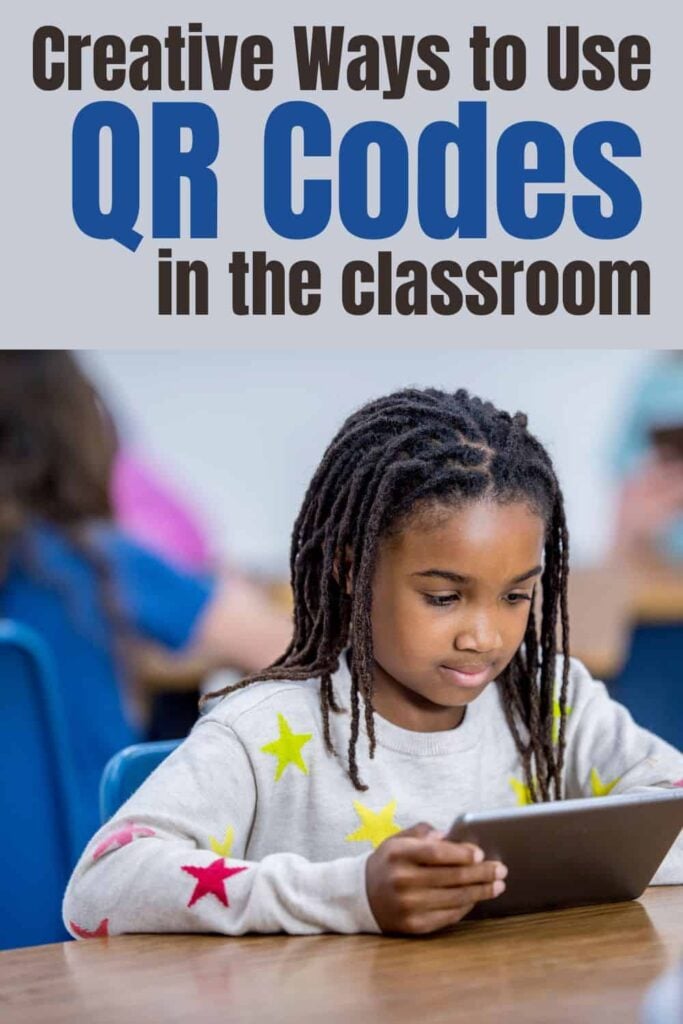
Whether you have a full set of devices or just a few shared tablets, QR codes slide easily into routines you already use. They help smooth transitions, support independence, and keep learning moving without extra prep or complicated setups. Below are teacher-tested ideas that work in real classrooms, messy desks, limited time, and all.
Here are some teacher-tested ways to use QR codes that actually work in real classrooms (without making things more complicated).
1. Link to Videos
Send students straight to a specific video with no typing or searching involved. Whether it’s a YouTube read-aloud, BrainPOP clip, or a tutorial you recorded yourself, QR codes make it easy.
Example: Add a QR code to a worksheet that links to a video about the water cycle or fractions on a number line.
Our biographies and animal articles include QR codes that link to websites and videos, allowing students to conduct additional research on the topic.

Using QR Codes for Research
See how to use QR Codes for students research with biography and animal reports.
2. Self-Checking Work
Help students become more independent by adding QR codes to task cards or worksheets. They can check their work without waiting for you.
Example: Put a QR code on the back of a math card that shows the correct answer when scanned.
3. Audio Support for Reading
Perfect for early readers, English language learners, or students who require additional support. Use QR codes to link to audio recordings of books, directions, or even vocabulary words.
Example: Students scan a code and listen to you reading a short passage as they follow along.
Our second-grade science stations all come with audio support with QR codes. Students can scan the code and listen to the science passage read aloud.
4. Writing Prompts
Make writing centers more engaging by using QR codes to deliver surprise prompts, images, or even sound effects.
Example: A QR code reveals a silly animal photo. Students write a story about it.
5. Scavenger Hunts
Make review activities more interactive with a QR-code-based scavenger hunt. Students solve clues or answer questions that lead them to the next QR code.
Example: Each station has a QR code that reveals a riddle or math problem to solve before moving on.
6. Parent Communication
Send home QR codes on student work that link to classroom newsletters, project videos, or digital portfolios.
Example: A QR code taped to a student’s art piece links to a short video of them explaining their process.
7. Morning Check-In
Have students scan a QR code when they come in each morning to complete a quick digital check-in or feelings form.
Example: Students scan a code and pick an emoji that reflects their mood for the day.
This might be a great way to take lunch attendance for older students.
8. Classroom Jobs
Attach QR codes to your job chart that link to simple instructions or videos showing how to do each job.
Example: The line leader QR code explains how to line up and check if the lights are off.
9. Centers and Stations
Use QR codes at each center to give directions, model the task, or link to an example.
Example: At the word work station, a QR code leads to a video showing how to sort by vowel sounds.
10. Link to Digital Work
Whether it’s a Google Slides activity or a Seesaw post, QR codes make it easy for students to access digital content quickly.
11. Homework Help
Send home QR codes on assignments that link to a quick video explaining the concept.
Example: A math worksheet includes a QR code linking to a video that walks through one example problem.
12. Student Work Displays
Add a tech twist to your bulletin boards. QR codes can turn your student work wall into an interactive showcase.
Example: Scan a code to hear a student talk about their science project or read their poem aloud.
13. Book Recommendations
Let students share their favorite reads. Create QR codes that link to short video reviews or book trailers.
Example: Scan the code on a book bin to hear a student’s 30-second review of their favorite chapter book.
14. Classroom Expectations
Post QR codes near classroom routines that link to videos or posters showing what to do.
Example: A QR code near the sink shows how to wash hands correctly or clean up materials after science.
Keep It Simple
You don’t need to overhaul your whole routine to use QR codes. Just start with one idea—maybe a video link or self-checking worksheet—and build from there. Once students get used to the process, it becomes second nature. And bonus: it saves you from answering the same question 14 times in 10 minutes.
Jessica BOschen
Jessica is a teacher, homeschool parent, and entrepreneur. She shares her passion for teaching and education on What I Have Learned. Jessica has 16 years of experience teaching elementary school and currently homeschools her two middle and high school boys. She enjoys scaffolding learning for students, focusing on helping our most challenging learners achieve success in all academic areas.